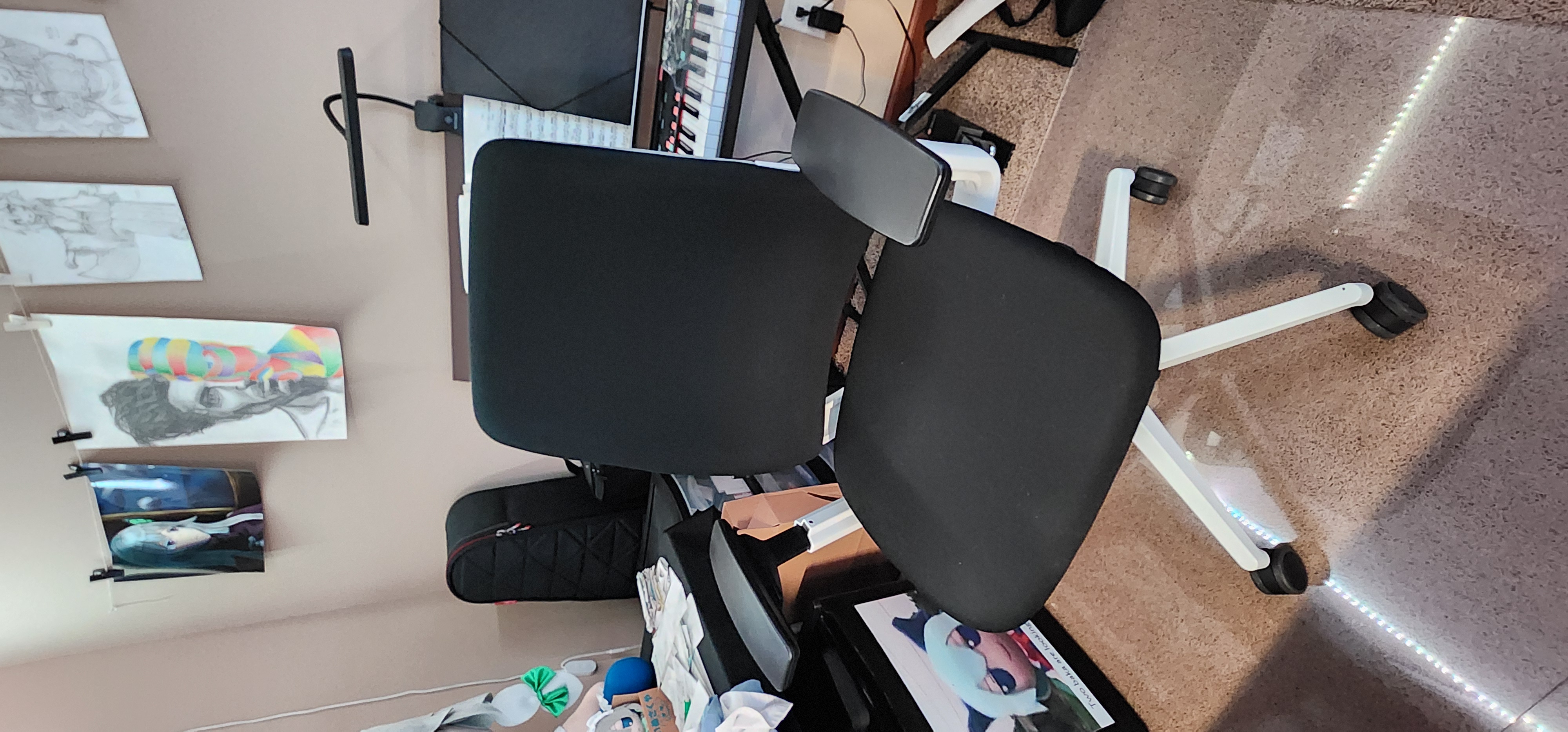
Listen, I know, 1K is a LOT for a chair. However, after doing 8 hr work shifts and drawing for another 4 hours, I really needed a chair that could handle my 14 hour office usage. Steelcase’s Amia met all the requirements I was looking for. It wasn’t as insanely expensive as a Herman Miller chair, however, it was high quality enough to stand the test of time. It has fully adjustable handles (both vertically and horizontally), along with an adjustable seat, lumbar support and a tilt intensity.
Standing Desk
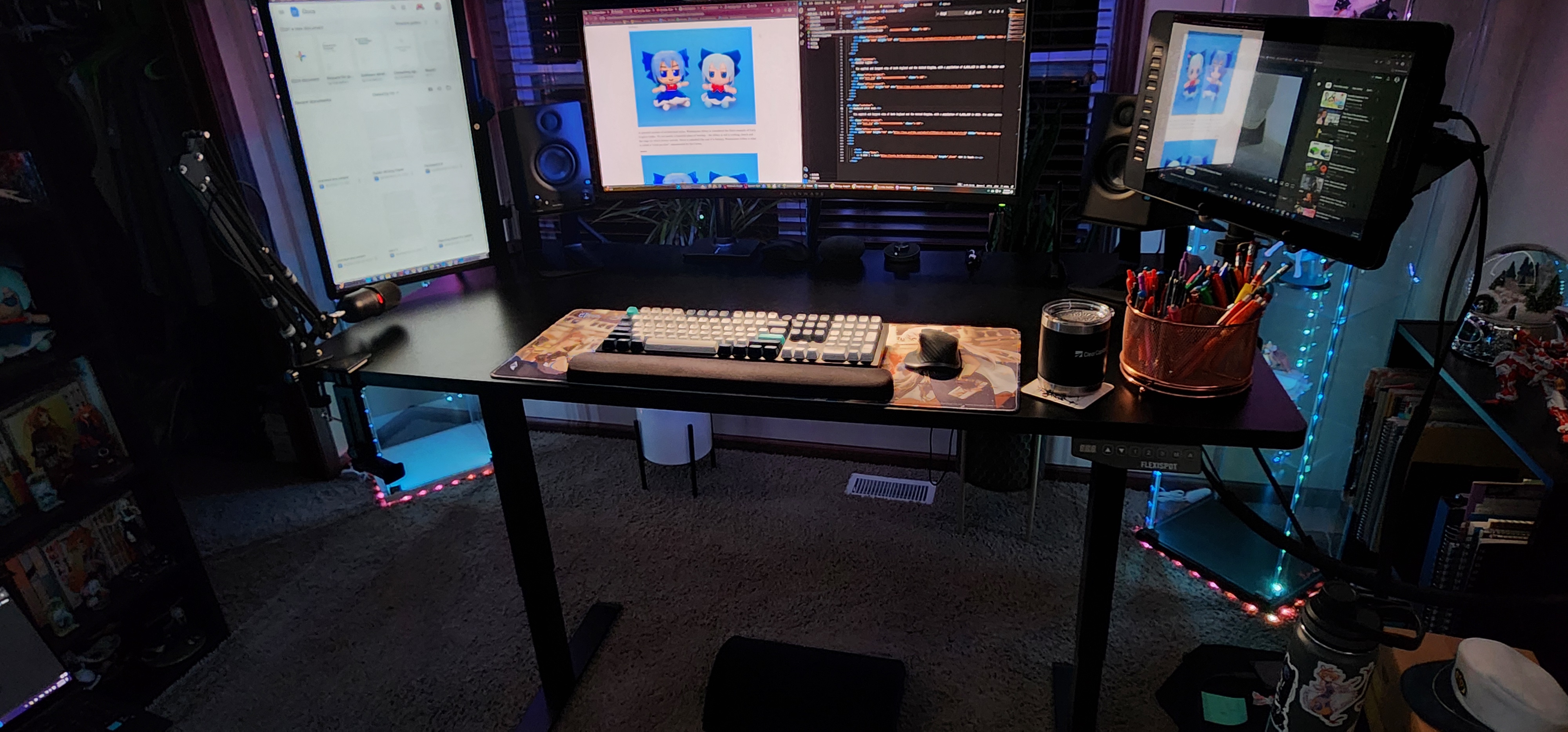
A standing desk is almost a necessity if you work from home. It allows for greater productivity and lets you stretch your legs. I often switch between standing and sitting when working throughout the day to let blood flow through my legs. I decided to get Flexispot at the time, which is good, however I won't dissuade people to try other options as well. Unlike other products, I am not that loyal to this particular brand.
Monitor Arms
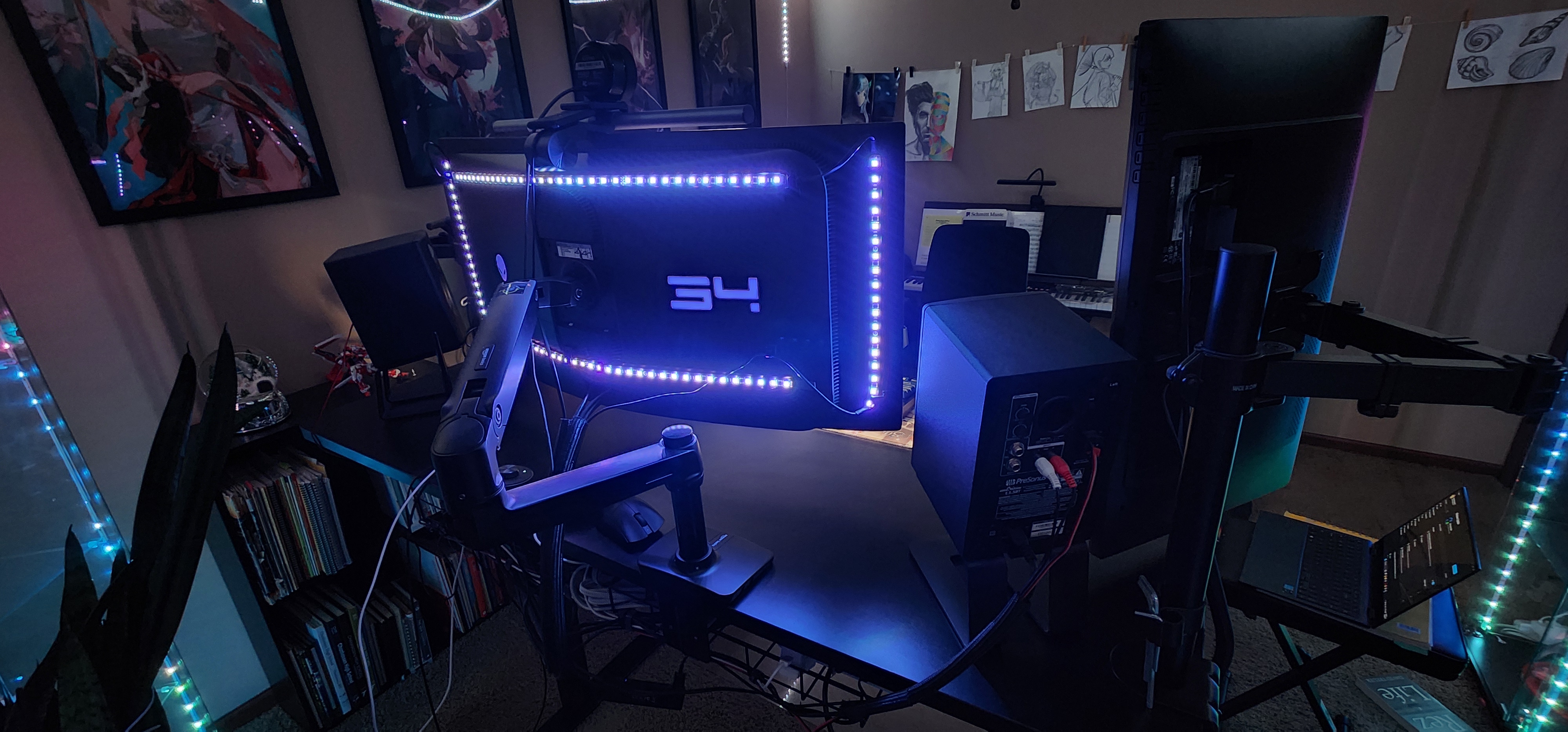
Monitor arms are a great way to free desk space. They also are amazing for making adjustments. I use an AmazonBasics adjustable stand from my main monitor so I can follow standard ergonomic practices of adjusting to match my eye level when switching from standing or sitting. It is a great way to really clear up a space and reduce neck strain from tilting to match your monitor's height.
Keyboard wrist rest
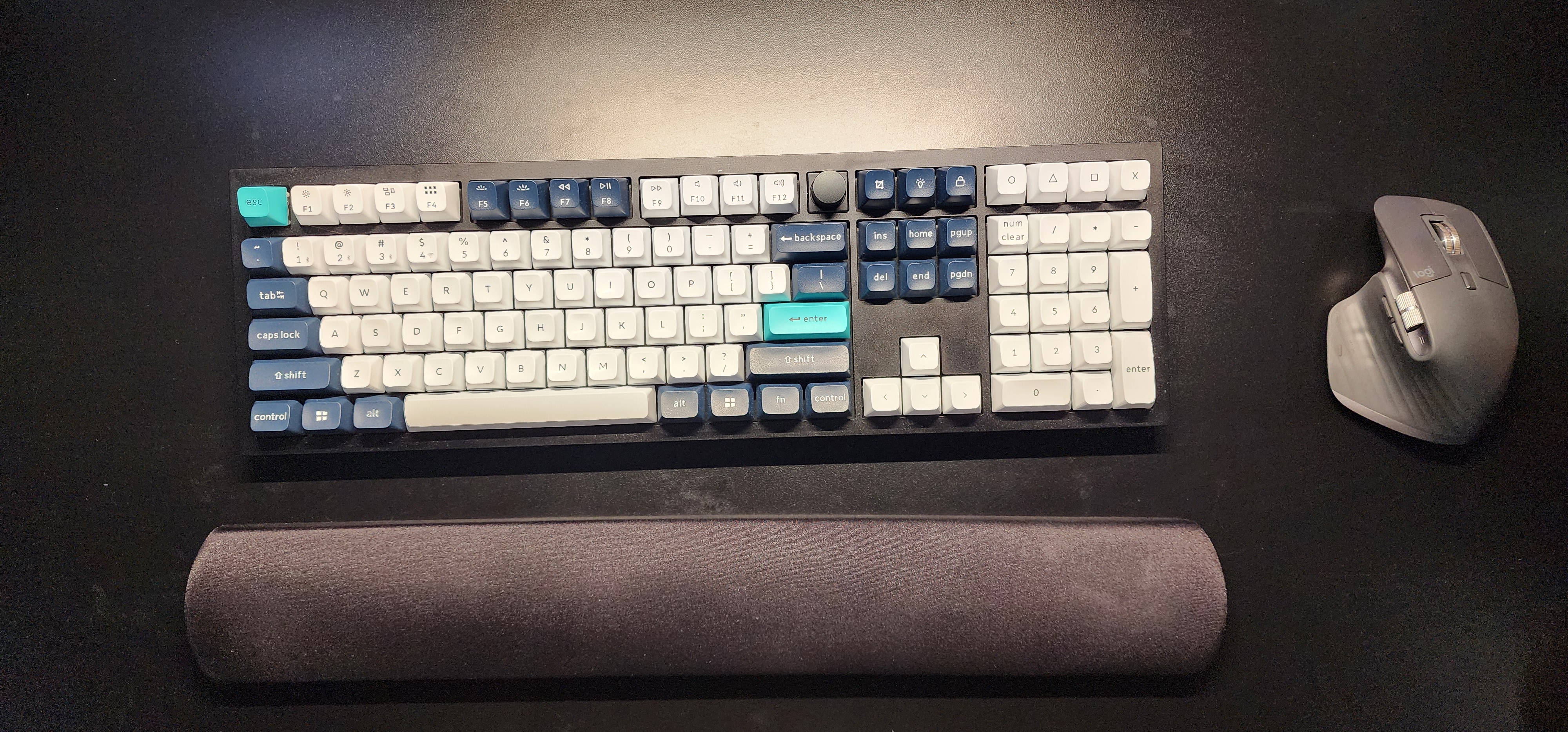
This is a very basic but important ergonomic item. A simple wrist rest can go a long way in preventing carpal tunnel and wrist strain. I personally am more loyal to gel variants over memory foam as I find they sink too much. Either way, I think it's really important to have a wrist to match your keyboard to ensure your wrists remain uninjured and not fatigued after long typing sessions.